SSA Badges and Records: six templates for review
Each template is a complete working page built on the same live data (every badge, leg, diploma and record on file). All six are designed as inner pages for an iframe, so the SSA site supplies the header and footer around them. Open each one, search, filter, click a name, and try the congratulate control on a row.
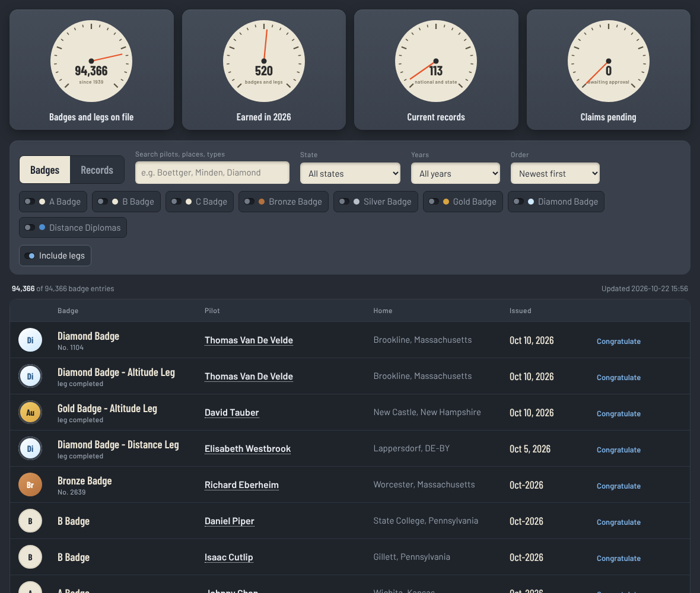
1. Instrument Panel
Dark cockpit panel. Four dials sweep to the live totals; rocker switches filter by level; dense table with cream numerals.
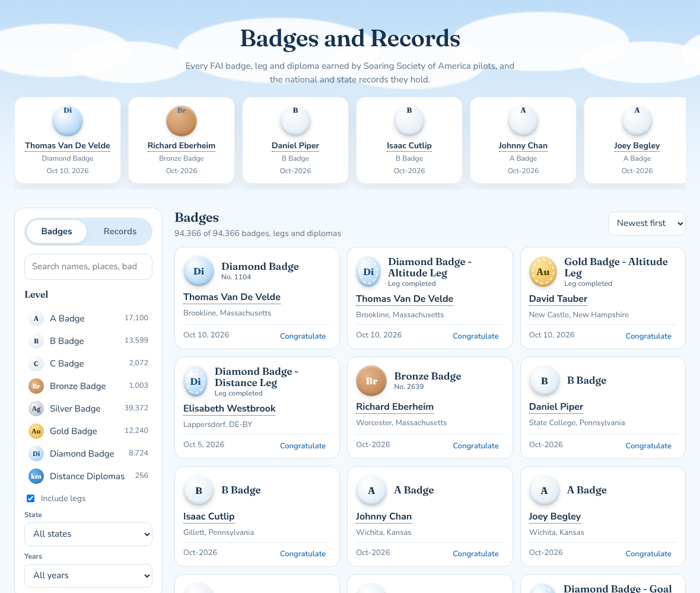
2. Thermal
Light and airy. A strip of the newest achievements under a cumulus band, then a grid of medallion cards with metal finishes by level.
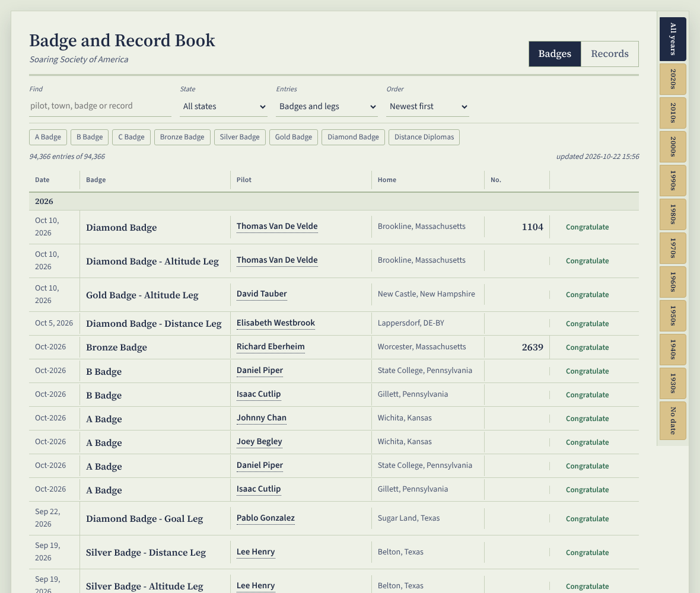
3. Logbook
A ruled pilot logbook with year markers, rubber-stamp statuses on records and decade tabs down the spine for jumping through the years.
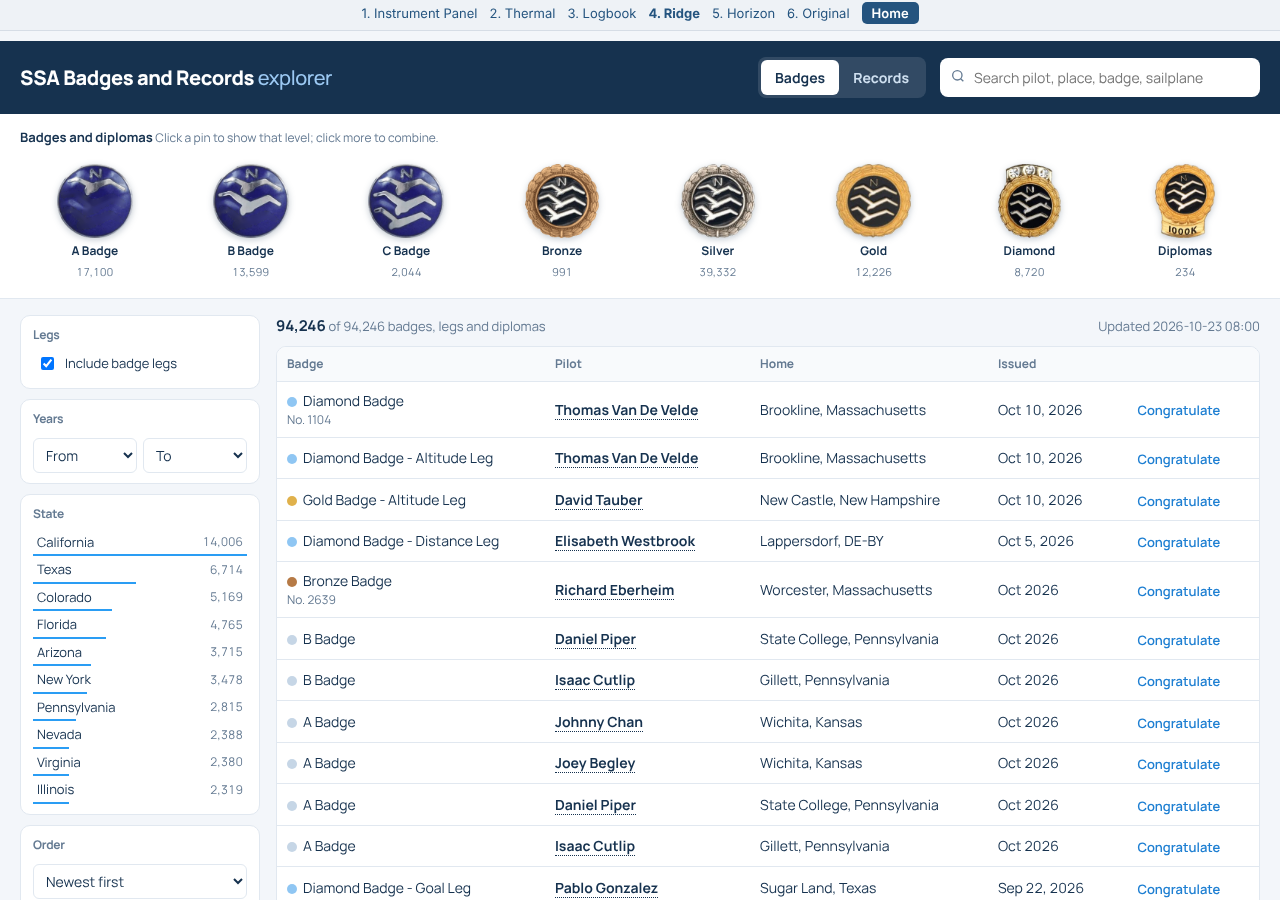
4. Ridge
Data explorer. A shelf of the real badge pins across the top filters by level; facets with live counts on the left; sortable table on the right.
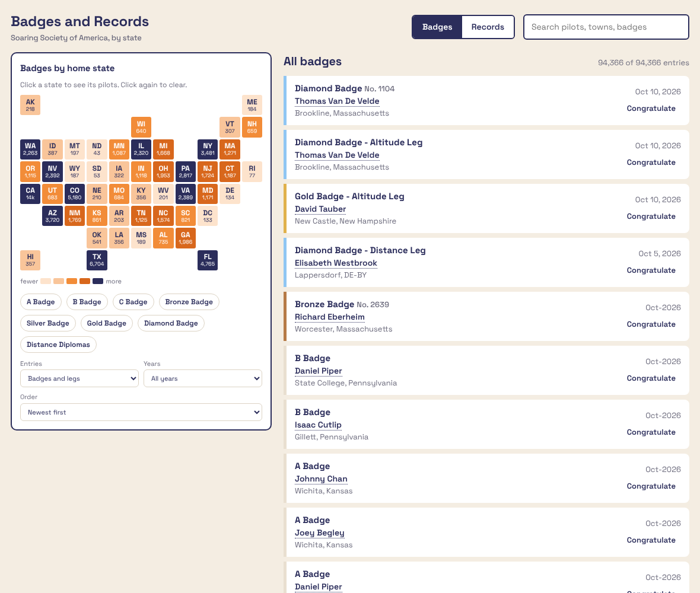
5. Horizon
A state tile map colored by activity. Click a state to see its pilots or its records; national and world records get their own tiles.
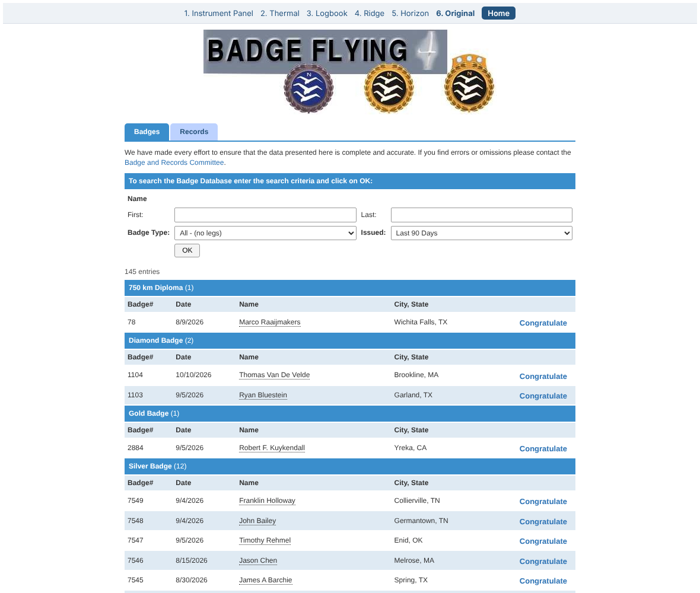
6. Original
SSA's current page as members know it: same banner, Verdana type, blue header bars, search form and dropdowns, but it fits phones, loads instantly and adds the pilot summaries and congratulations.
What every template includes
- Instant search across pilots, towns, badge types, sailplanes and locations, with filters by level, state, years, region, category, class and status.
- Spelled-out labels throughout (Female instead of Fem, Youth instead of You, National instead of US).
- Clicking a name opens that pilot's soaring achievement summary: their award shelf, full badge history from the highest award down, and every record grouped by class. It will link into the member profile on the new SSA site.
- A congratulate control on every entry: seven reactions, comments and photo uploads, hidden behind one click so rows stay clean. Posting asks the climb-instrument question.
- Works at desktop and phone widths inside an iframe; no header or footer of its own.